Over the next two weeks of vibe-coding the calisthenics app, I completed three additional screens:
- Combos – where users can learn complex skills and capture their achievements
- Timeline – showing exercise achievements and a weekly summary
- Spots – a global map of places where you can train
Tweaking the Spots feature turned out to be the most challenging part. It required integration with a third-party mapping service and depended heavily on browser permissions.
While everything worked fine on the desktop, I couldn’t test the Geolocation features properly without a secure context (HTTPS) on mobile. That made it difficult to properly test the app while staying in Lovable’s preview mode.
Another downside of preview mode was that, even though I was building a mobile-first experience, the browser address bar was still visible and took up valuable screen space.
At that point, it became clear that I needed to migrate the app to a different setup.
PWA as a Standalone App
When we think about mobile apps, we usually think of AppStore. You download an app, install it, and start using it.
Rarely some users install apps by downloading an .apk on Android or using TestFlight on iOS to test new features. But there’s another option that’s often overlooked: Progressive Web Applications (PWAs).
Since around 2018, Apple has supported PWAs on iOS. In simple terms, this allows you to “wrap” a website as an app and add it to the home screen of your phone or tablet. The app still runs in the browser, but browser elements like tabs and the address bar are hidden, making it feel much more like a native app.
You’ve probably seen a sneak peek of this when a website shows a small install icon next to the address bar.
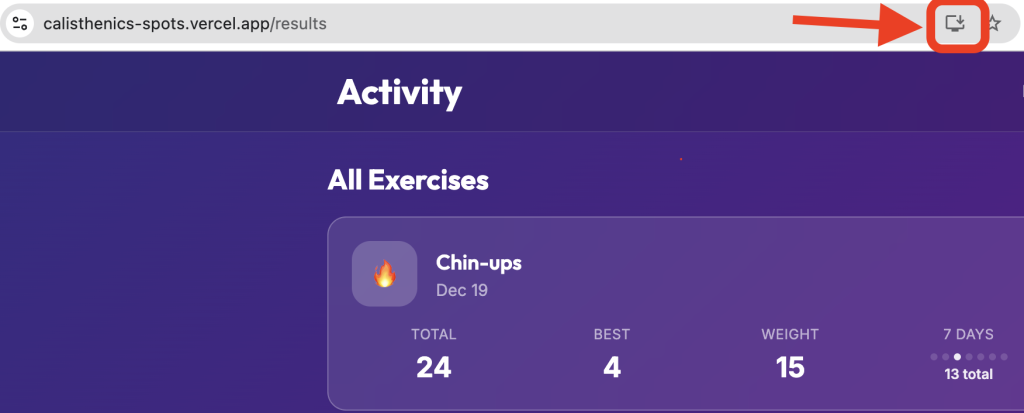
For simple services, PWAs are a great option. You avoid paying for an Apple Developer account and skip the App Store review process. You just deploy updates to the website, and users get them once the cache refreshes.
The downside is distribution. Most apps are discovered through app stores. If your app isn’t there, users are unlikely to find it at all. That makes PWAs a poor fit for most commercial apps.
But since my goal here is early feedback, not distribution or monetization, a PWA turned out to be an ideal solution.
Making the App Public
Earlier, I mentioned the limitations of Lovable’s preview mode, especially when working with maps and PWAs. To move past those constraints, I migrated the app to Vercel, which conveniently allows free deployments.
With a bit of help from ChatGPT on project setup, I now have a public version of the app running at: https://calisthenics-spots.vercel.app
You can open it in a browser or install it as a PWA for the best experience.
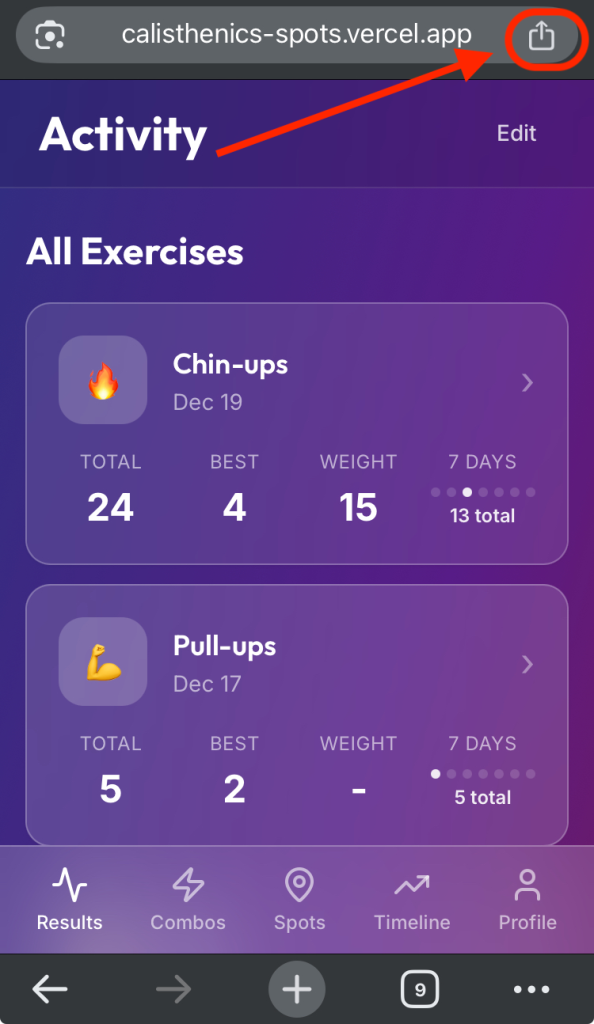
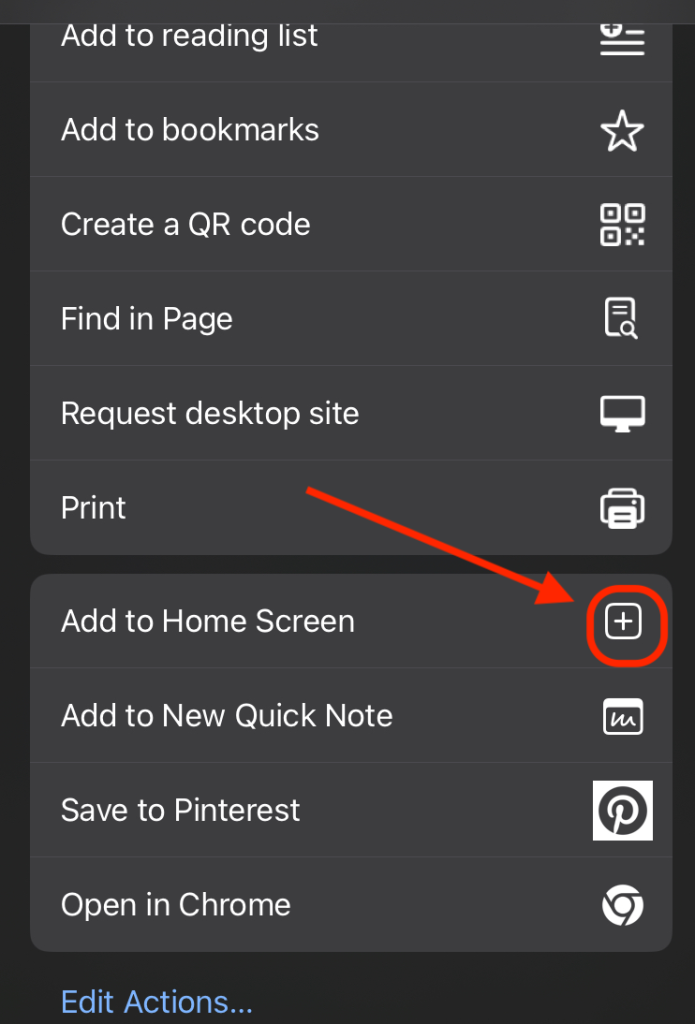
Have a look and let me know what you think. Any feedback at this stage is incredibly welcome.
Leave a Reply