I recently started building my first app.
With the current progress in AI tools (as for the late 2025), building apps from scratch has become surprisingly accessible. For someone like me, who has always had a lot of ideas, experimenting with vibe-coding tools feels like an ideal workflow for prototyping and learning.
Why I started building this app
There were a few clear reasons:
- I practice calisthenics and wanted a convenient way to track my progress.
- Calisthenics is a very accessible sport. You can find street workout spots in most cities, and when traveling it’s nice to explore new places to train (and potentially meet new people).
- Most importantly, I wanted hands-on experience building and launching a product from scratch, not just managing one.
Why build a new app at all?
There are already fitness trackers on the market, so the obvious question is: why another one?
The answer was simple. I had a clear idea of how I wanted to interact with such an app. I really like the Apple Health app and find it almost ideal in its simplicity, but it doesn’t support calisthenics exercises or creating custom exercises. Once that gap became obvious, building something custom felt like the fastest way to test the idea.
Tools like Lovable, Figma make and Claude make this possible. Instead of spending weeks on upfront market research, I started by drafting the UX flow and building a working prototype on day one. I’ll come back to market research later, but for this phase, speed and learning mattered more.
That speed is both an advantage and a potential pitfall. When building becomes this easy, it’s also easy for users to build their own solutions. Engagement becomes the real challenge. I have a hypothesis about that and I’ll focus on it in a future post.
Tools I used
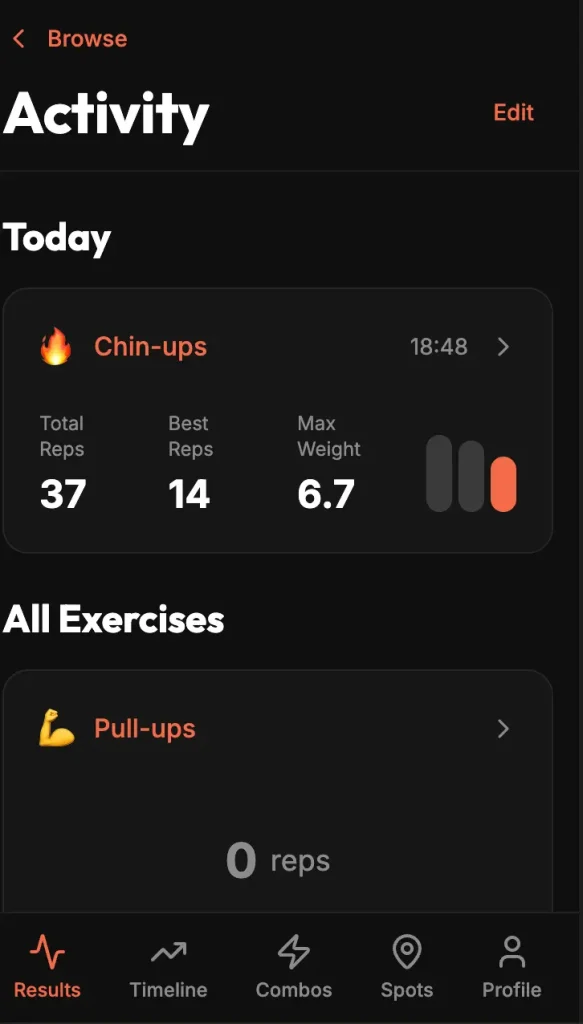
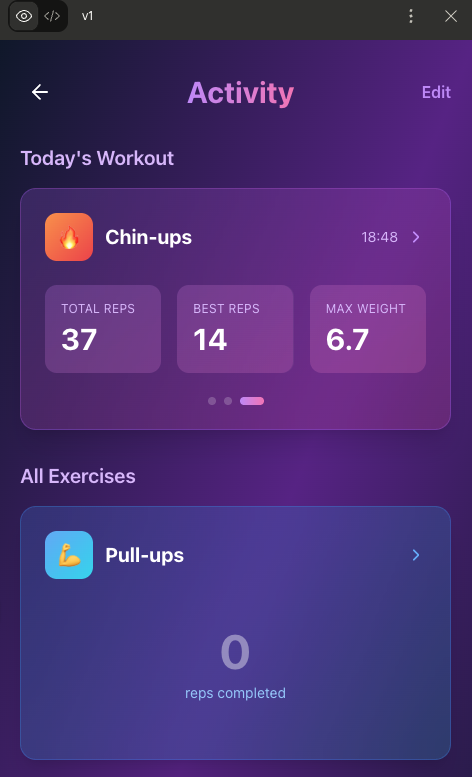
I started with a UX prototype in Figma Make. It worked surprisingly well for capturing the initial idea, and within about 30 minutes I had the first few screens mapped out.
Next, I moved to building a functional prototype. I took screenshots from Figma Make and used Lovable to turn them into a working app. This wasn’t my first experience with Lovable, so within an hour I had a clickable prototype connected to a database. I could already store workout results from day one.
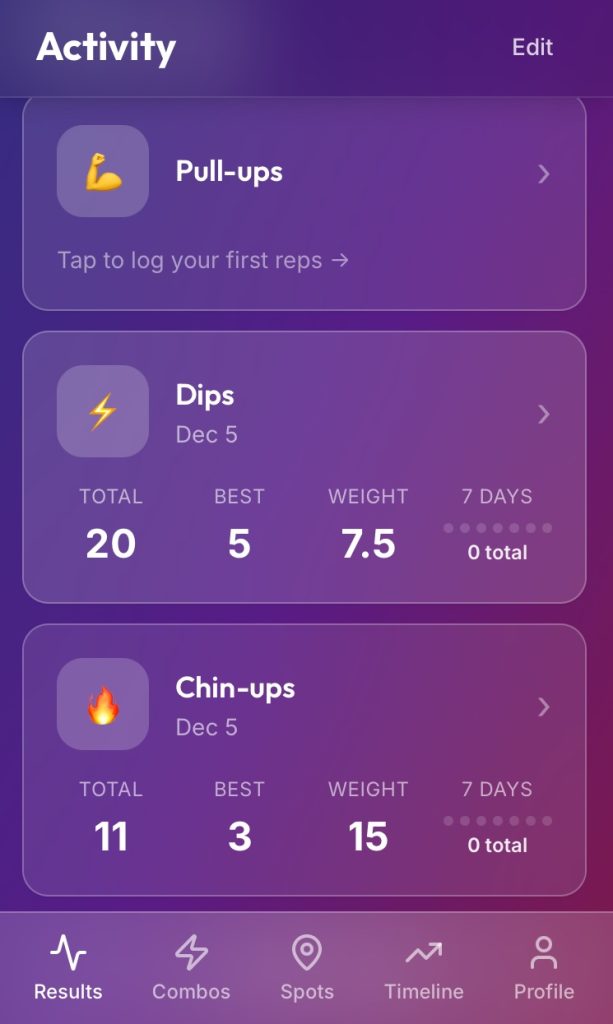
A few days later, I used Claude to explore alternative UI ideas. I noticed it works better for UI iteration than Figma Make. Even on the free plan, I was able to get to a direction I liked (though I had to wait until the next day for tokens to reset).
What I focused on first
I focused on building the most useful features first.
The first thing I implemented was the Results screen, since that’s the core value for users who want to track progress. I also added QR code sharing, which I see as a potential way to spread the app organically among calisthenics athletes.
By the end of the first week, I had a working prototype with:
- Exercise tracking
- Profile setup
- Sign up / sign in
At that point, the app was ready to be shared with its first users.
If you’d like to take a look and share some feedback, I’ll attach the link to the app here.
Leave a Reply